10000mAh Magnetic Wireless Power Bank for iPhone EDC
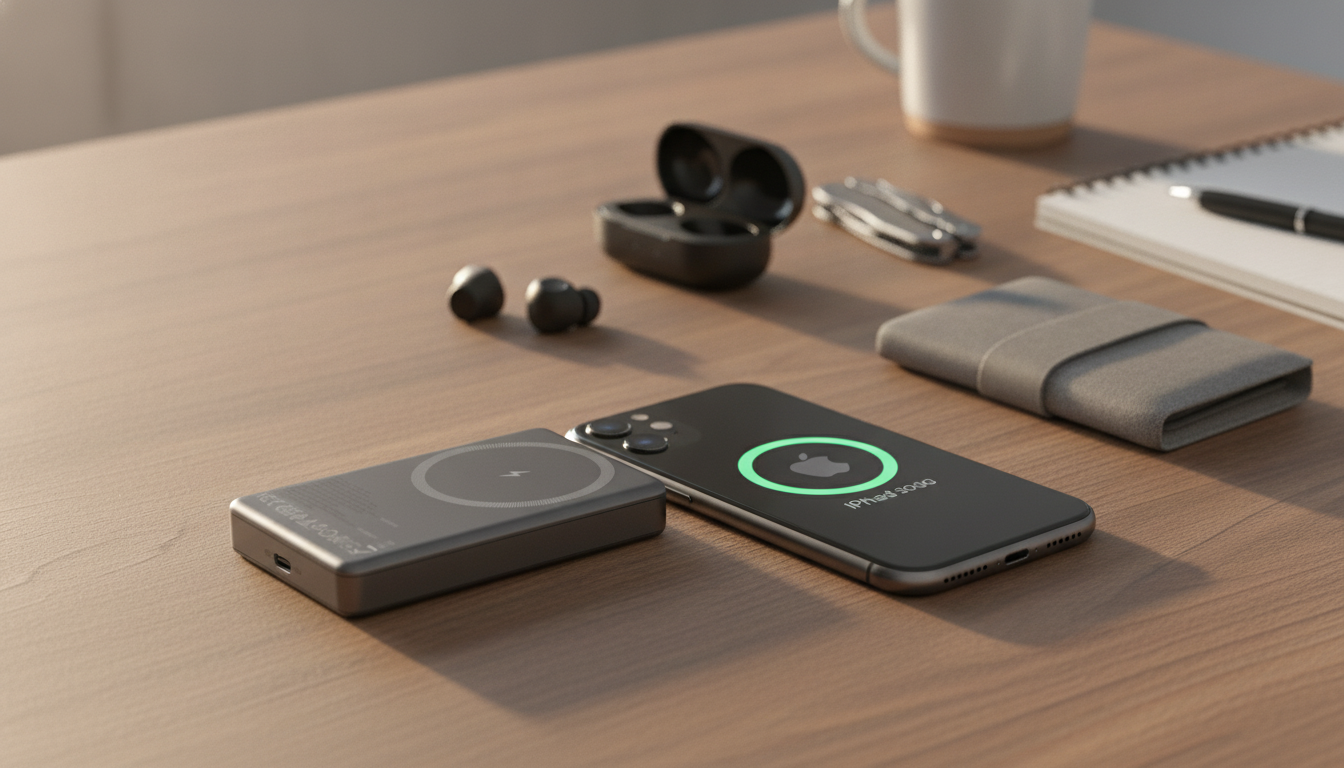
Everyday Carry Power: Why a 10000mAh Magnetic Wireless Power Bank Fits Real Life
A magnetic wireless power bank makes it easier to keep an iPhone topped up during commutes, travel days, and long events—no dangling cable required. A 10000mAh class magnetic battery pack is built for the moments when you’re moving through a terminal, standing on a train, or juggling bags and notifications with one hand, and you still need your phone to last. Below is a practical look at what changes day to day, what capacity numbers really mean, and which details matter most for comfort, safety, and compatibility. For more guidance, see MagSafe (wireless charger) – Wikipedia.
What a 10000mAh magnetic power bank changes day to day
- It snaps onto the back of compatible iPhones (or MagSafe-compatible cases) so charging can continue while texting, calling, or navigating.
- It cuts cable clutter in bags and pockets—especially helpful in crowded commutes, lines, and standing-room situations.
- It offers a larger energy reserve than ultra-slim packs, aiming for fewer “battery anxiety” moments across a full day.
- It works well as an emergency top-up source when outlets are unavailable (airports, festivals, road trips, conference centers).
Understanding capacity: 10000mAh vs. usable charge
The “10000mAh” printed on a power bank is the capacity of the cells inside the pack, not the exact amount that reaches your iPhone’s battery. The energy has to be converted to the voltage your phone expects, and that process introduces losses. Wireless charging typically adds more loss than a wired connection, so the real-world number of full recharges is usually lower than the headline capacity suggests. For further reading, see Best Portable Chargers for Phones and Laptops – Consumer Reports.
Results also shift depending on iPhone model, battery health, ambient temperature, and whether you’re actively using the phone while it charges (GPS, video, and hotspot usage can noticeably reduce the net gain).
Capacity expectations (what influences results)
| Factor | What it affects | Practical tip |
|---|---|---|
| Wireless vs. wired | Wireless is usually less efficient | Use wired output when speed/efficiency matters most |
| Phone usage while charging | Screen + GPS can reduce net gain | For fastest gains, lock the screen or enable Low Power Mode |
| Heat | Excess heat can slow charging | Avoid charging in direct sun or inside a hot car |
| Case thickness/fit | Misalignment reduces efficiency | Use a MagSafe-compatible case for best magnetic alignment |
Magnetic attachment and case compatibility
Magnetic alignment is more than a convenience feature—it helps keep the charging coil positioned properly, which can improve stability while walking, scrolling, or tapping through messages. In most setups, the best experience comes from iPhones that support MagSafe paired with cases labeled MagSafe-compatible.
Non-magnetic cases can weaken the hold and sometimes reduce charging efficiency by allowing the pack to shift. Very thick, heavily textured, or wallet-style cases can increase the gap between the power bank and the phone, which can lead to slower charging or a connection that drops in and out. If you use a metal plate, magnetic ring, or pop-style accessory, wireless charging may be disrupted and the magnet may not seat correctly.
For a quick reference on compatibility basics, Apple provides an overview of MagSafe on iPhone at Apple Support. For broader wireless charging standards and device interoperability, the Wireless Power Consortium (Qi) is a helpful authority.
Wireless charging experience: speed, comfort, and positioning
Wireless charging prioritizes convenience. Charging speed depends on what the iPhone supports and the power bank’s wireless output. For the most consistent results, attach the pack centered and flat—an offset position can cause slower charging or intermittent connection, especially if you’re moving around.
Comfort matters, too. A 10000mAh magnetic pack usually adds noticeable thickness compared with ultra-slim options. That extra heft can be a worthwhile trade when you want meaningful runtime for a long day, but it may feel bulky in tight jeans pockets. If your phone warms up during charging, consider pausing for a few minutes or switching to a wired connection to reduce heat buildup and help maintain speed.
Safety and battery care
When to choose wireless vs. wired output
A simple setup checklist for reliable magnetic charging
Product spotlight: 10000mAh Magnetic Wireless Power Bank for iPhone
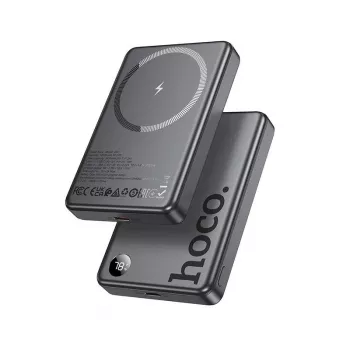
If your goal is cable-free daily carry power, the 10000mAh Magnetic Wireless Power Bank for iPhone is designed around snap-on convenience. The 10000mAh capacity targets long days, travel, and emergency charging scenarios, while the magnetic attachment helps keep the pack aligned as you hold and use your phone.
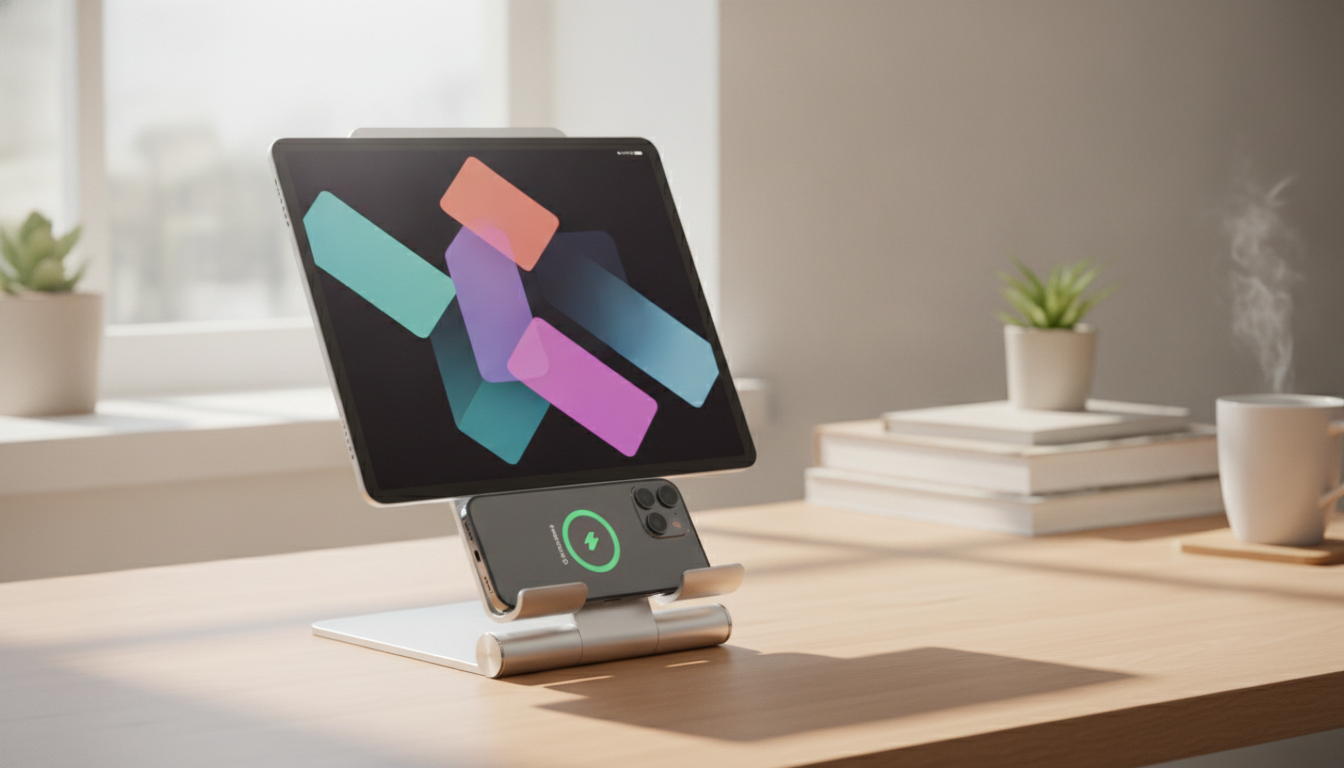
For an even more secure, magnet-friendly setup—especially at a desk, in the kitchen, or during video calls—pairing with a magnetic accessory can help stabilize your phone while you charge. The 360° Magnetic Phone Holder for Apple iPhone complements magnetic setups by supporting flexible viewing angles without constantly repositioning your device.
FAQ
Will a magnetic wireless power bank work with a case on?
Yes, it often works best with cases labeled MagSafe-compatible because they’re designed to maintain magnetic hold and alignment. Thick or non-magnetic cases can weaken the connection and reduce charging efficiency, so test without the case if charging seems inconsistent.
Why does wireless charging sometimes feel slower than wired charging?
Wireless charging usually loses more energy during conversion and can slow down when heat builds up. When you want the fastest speed and maximum usable capacity, switching to wired output is typically more efficient.
Is it safe to use a magnetic power bank near credit cards or hotel key cards?
Magnets can affect magnetic stripe cards and some hotel key cards, especially if they’re pressed directly against the power bank. Keep cards a bit separated—store them in a different pocket or a wallet compartment away from the magnet.







Leave a comment