Silicone Case for Apple Pencil 2nd Gen: Grip + Charging
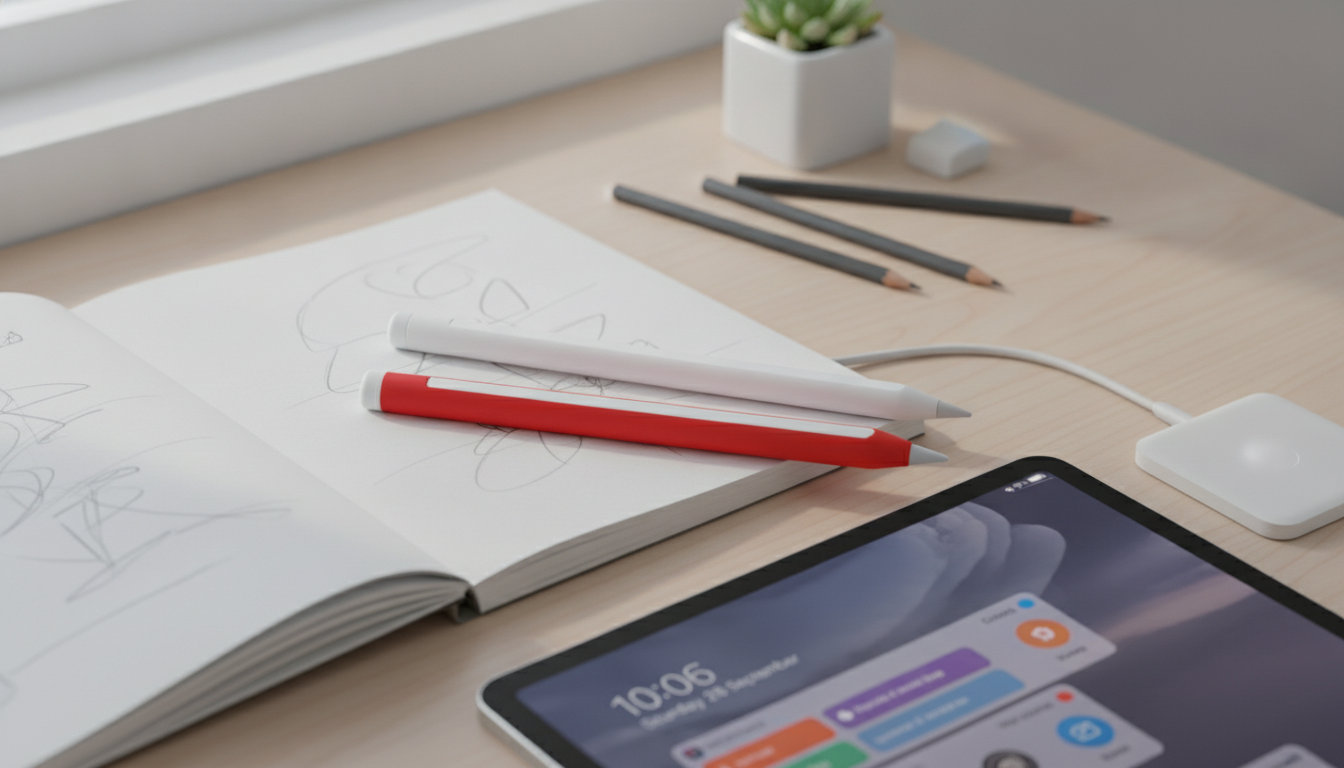
Silicone Case for Apple Pencil (2nd Gen): Better Grip, Everyday Protection, and Charging Compatibility
A slim silicone sleeve can make Apple Pencil (2nd Gen) easier to hold, harder to drop, and better protected from scuffs—without getting in the way of magnetic attachment or wireless charging. The key is choosing a case that fits tightly, keeps the flat charging side clear, and stays comfortable for long sessions. Below is what to look for, how fit affects charging, and how to keep silicone feeling clean and “new” over time.
Why a Silicone Sleeve Helps Day to Day
Apple Pencil (2nd Gen) is designed to be sleek, but that smooth finish can feel slippery—especially during longer work sessions or when your hands are dry. A silicone sleeve adds a subtle layer of traction and cushioning that changes how the Pencil behaves on a desk and in your hand.
- Adds grip for long note-taking, sketching, and editing sessions, especially for dry hands or glossy surfaces.
- Helps prevent small scratches and dings from desk contact, bag carry, and rolling.
- Improves comfort by softening edges and adding a slightly cushioned feel.
- Boosts visibility so the stylus is easier to spot on a desk or inside a bag.
- Reduces noise from tapping or setting the Pencil down on hard surfaces.
Fit and Compatibility: Charging and Magnetic Attachment
Apple Pencil (2nd Gen) pairs and charges when magnetically attached to compatible iPads. That makes fit the most important feature of any sleeve: if the silicone is too thick (especially along the flat edge), the Pencil may not seat firmly enough to charge consistently.
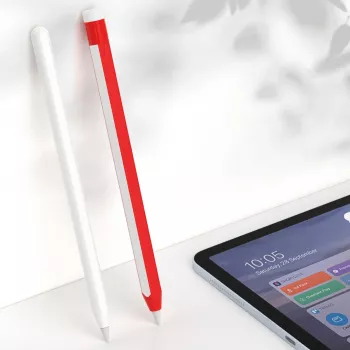
- Preserve the flat side contact area. A well-designed sleeve leaves the flat edge exposed or uses thinner material there so the magnetic hold stays strong.
- Don’t block the charging “seat.” Bulky silicone along the flat edge can interrupt alignment, which can prevent pairing or slow/stop charging.
- Check tip access. The opening should align so the nib can be replaced without stretching or tearing the sleeve.
- Choose snug, not slippery. A sleeve that twists over time can drift out of alignment and interfere with charging.
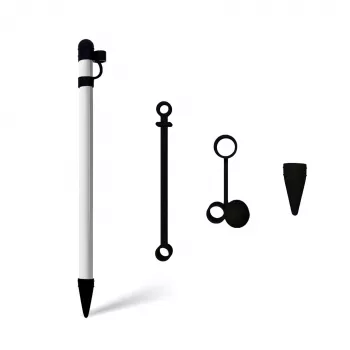
- Watch for caps and tethers. If a sleeve includes extra parts, confirm they don’t bump the iPad edge or keep the Pencil from sitting flush.
For Apple’s official guidance on how pairing and charging works, see Apple Support — Pair and charge Apple Pencil.
Comfort Details That Matter
Two silicone sleeves can look similar but feel completely different in daily use. Small design choices—texture, edge finishing, and thickness—shape everything from fatigue to pocket lint.
- Texture: Matte or lightly textured silicone typically feels less “grabby,” resists fingerprints, and stays comfortable when your hand warms up during long sessions.
- Thickness: Thinner sleeves keep the Pencil closer to its original balance and are more likely to maintain charging compatibility. Slightly thicker sleeves can feel cushier, which some grips prefer for extended drawing.
- Seams and edges: Smooth edges reduce pressure points (hotspots) where your fingers rest, especially during writing-heavy days.
- Open vs. covered end: An open end simplifies tip changes and quick rinsing. A covered end can add a bit more drop protection but may trap debris and require more frequent cleaning.
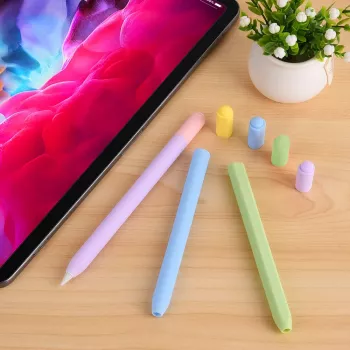
- Color choice: Darker colors tend to hide scuffs and dye transfer. Lighter colors can look crisp but show dust and bag lint faster.
Quick Comparison: Bare Pencil vs. Silicone Case
Use the table below to match the tradeoffs to your routine—quick notes at a desk, daily commuting with a tablet sleeve, or long art sessions where grip and comfort matter most.
| Feature | No Case | Silicone Case |
|---|---|---|
| Grip | Smooth and can feel slippery | More friction and control |
| Comfort for long sessions | Lightweight but can feel hard/edgey | Softer feel; may reduce finger strain |
| Scratch resistance | Exposed finish can scuff | Helps prevent surface scuffs |
| Magnetic charging | Most reliable | Depends on thickness and flat-edge cutout |
| Cleaning | Wipes quickly | Needs occasional wash to remove lint/oils |
| Bulk in tight cases | Minimal | Slightly thicker; may be snug in some pencil slots |
Care and Cleaning for Silicone
Silicone is durable, but it can collect skin oils and lint—especially if it lives in a bag pocket or rubs against fabric. A simple routine keeps the surface comfortable and helps prevent grime from building around the tip opening.
For general cleaning best practices, reference Apple Support — Clean Apple products.
A Simple, Low-Cost Option
- Silicone Case for Apple Pencil 2nd Gen — a straightforward add-on for daily handling and desk protection.
More Apple-Friendly Everyday Add-Ons
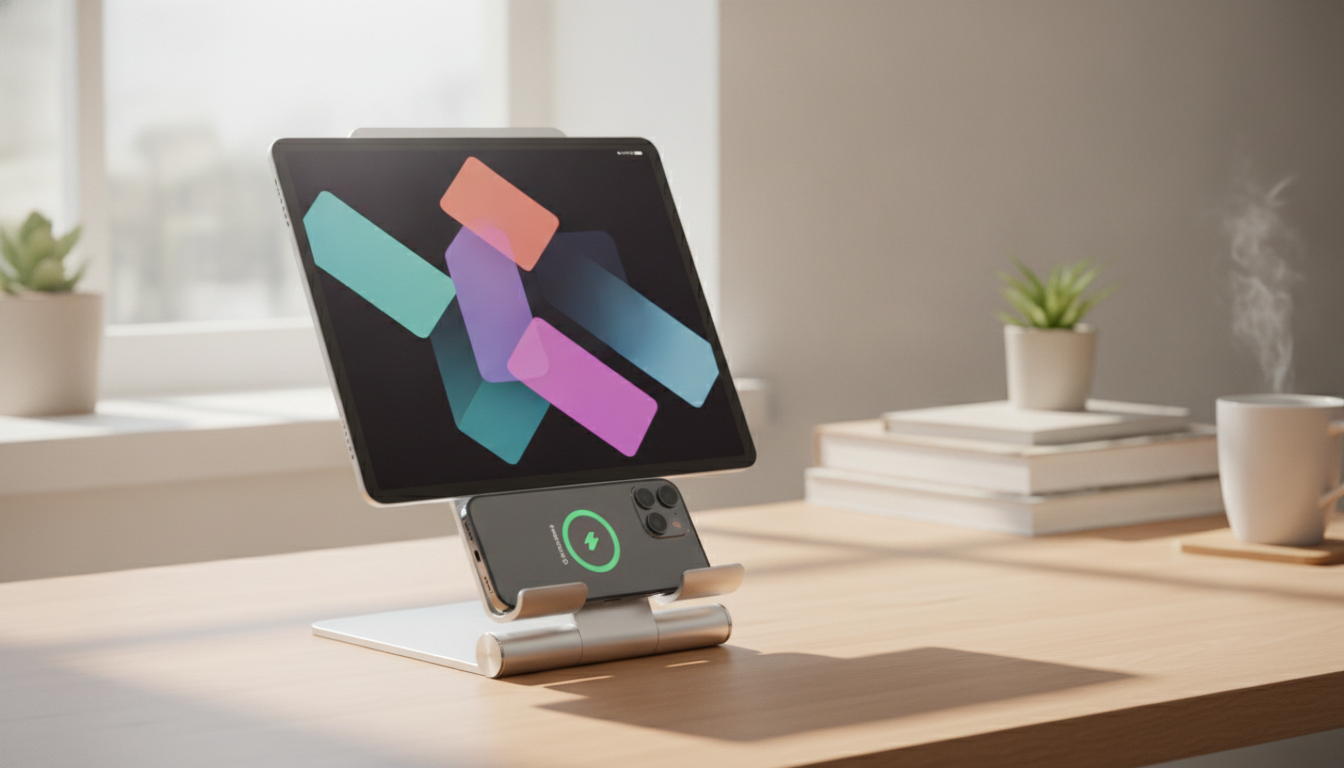
- 360° Magnetic Phone Holder for Apple iPhone — a flexible option for hands-free viewing at a desk or kitchen counter.
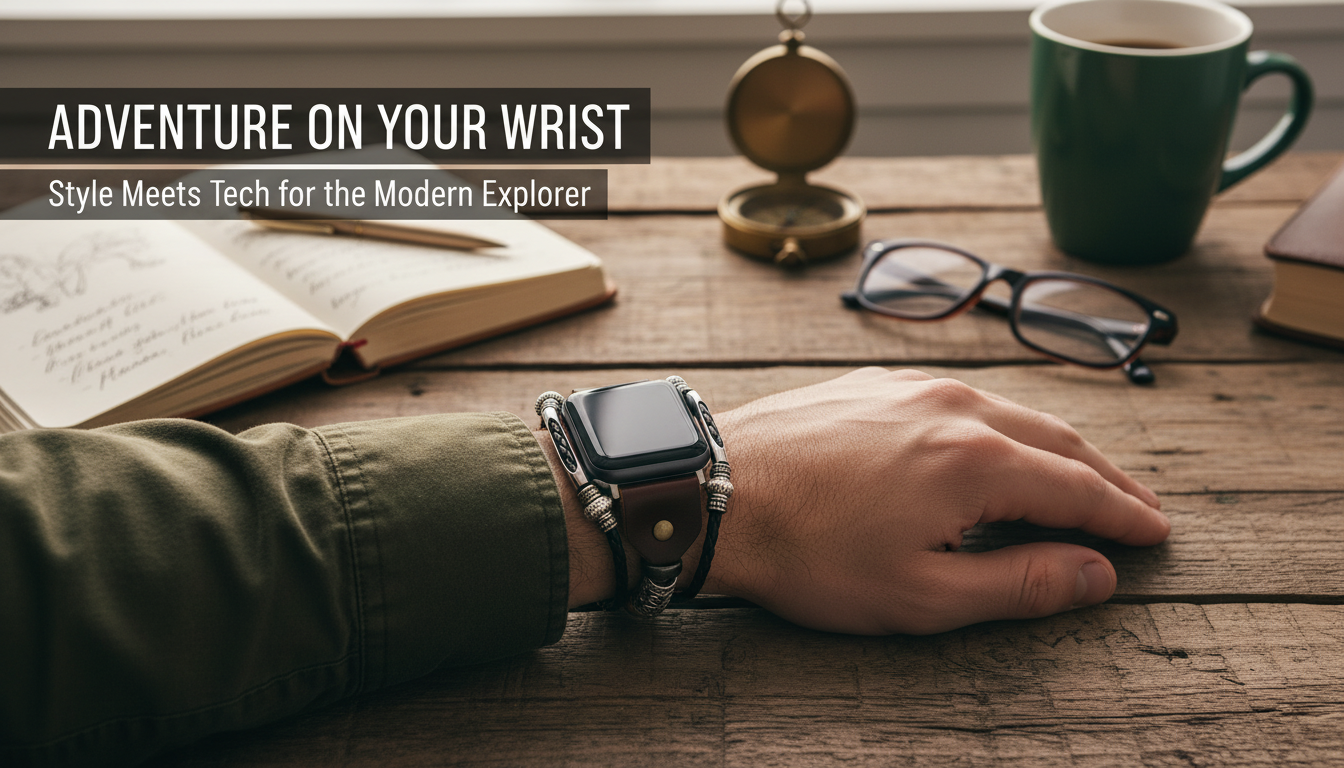
- Premium Handmade Leather Strap for Apple Watch 38mm-49mm — an easy way to change the look and feel of your daily wear.
FAQ
Will a silicone case stop Apple Pencil (2nd Gen) from charging on the iPad?
It depends on the sleeve thickness and whether the flat-side contact area is kept clear. Thin designs with proper flat-edge cutouts usually charge normally, while thick silicone along the flat edge can weaken the magnetic connection and interrupt charging.
Can the tip be replaced while the case is on?
Many silicone sleeves include a tip opening that allows nib replacement without removing the case. If the opening is tight, remove the sleeve first to avoid twisting the nib or tearing the silicone.
How do silicone sleeves get sticky or dirty, and how to fix it?
They typically pick up skin oils, dust, and lint, which can make the surface feel tacky. Wash with mild soap and water, rinse thoroughly, and air-dry fully; avoid harsh or alcohol-heavy cleaners if they change the texture.






Leave a comment